---
title: "How to Enable HTML Mail Templates in Joomla 4"
description: "One of the new features recently released is the ability to use HTML Mail Templates in Joomla 4. Mail templates in Joomla are used for any email that is automatically sent from your site. For..."
url: https://www.inmotionhosting.com/support/edu/joomla/joomla-4/html-mail-templates/
date: 2021-08-26
modified: 2021-08-26
author: "InMotion Hosting Contributor"
categories: ["Joomla 4"]
type: post
lang: en
---
# How to Enable HTML Mail Templates in Joomla 4
One of the new features recently released is the ability to use HTML Mail Templates in Joomla 4. Mail templates in Joomla are used for any email that is automatically sent from your site. For example, when a new user registers on your site they can receive an email notifying them that they need to activate their account.
In the past, the Joomla mail templates only allowed the “Plaintext” mail format by default. The ability to use HTML lets you create more complex and better-looking emails. This can appear more professional and user-friendly to some people.
This guide will show you how to enable HTML Mail templates in Joomla 4. Once it is enabled, you will be able to modify the Mail templates using a built-in editor.
## Enabling HTML Mail Templates in Joomla
1. Login to the Admin Panel for your Joomla site.
2. Click **System** in the navigation menu.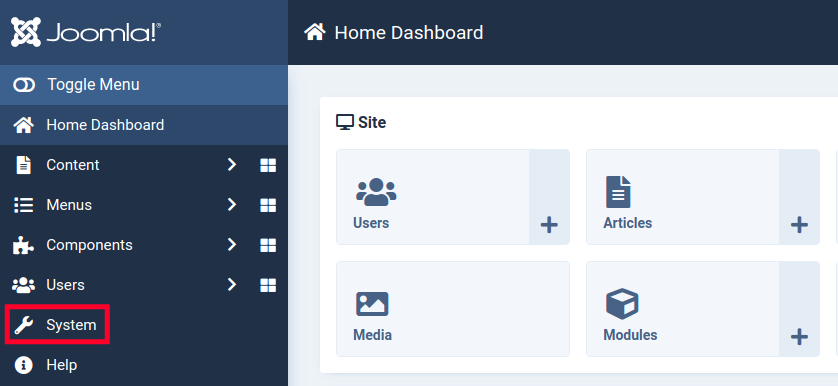
3. Click the **Mail Templates** link under Templates.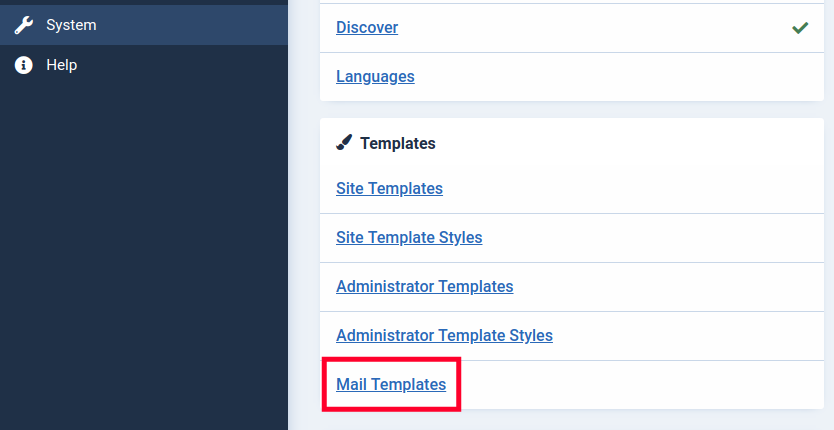
4. Click the **Options** button over to the right.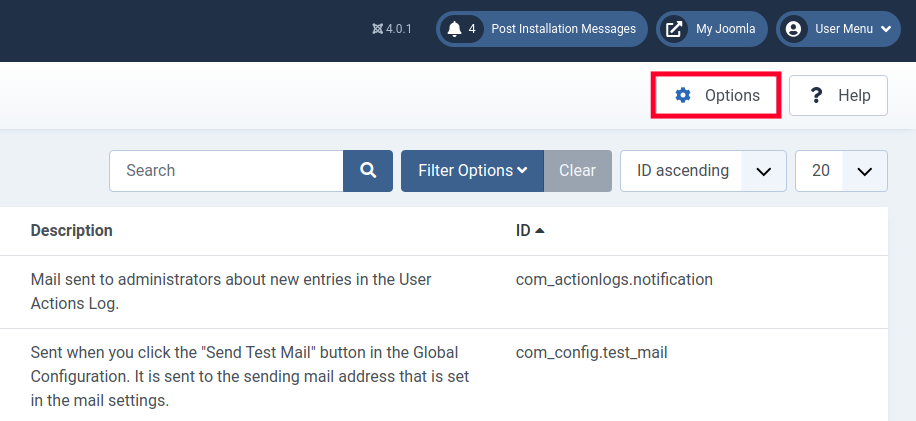
5. Click the drop-down menu next to **Mail Format**.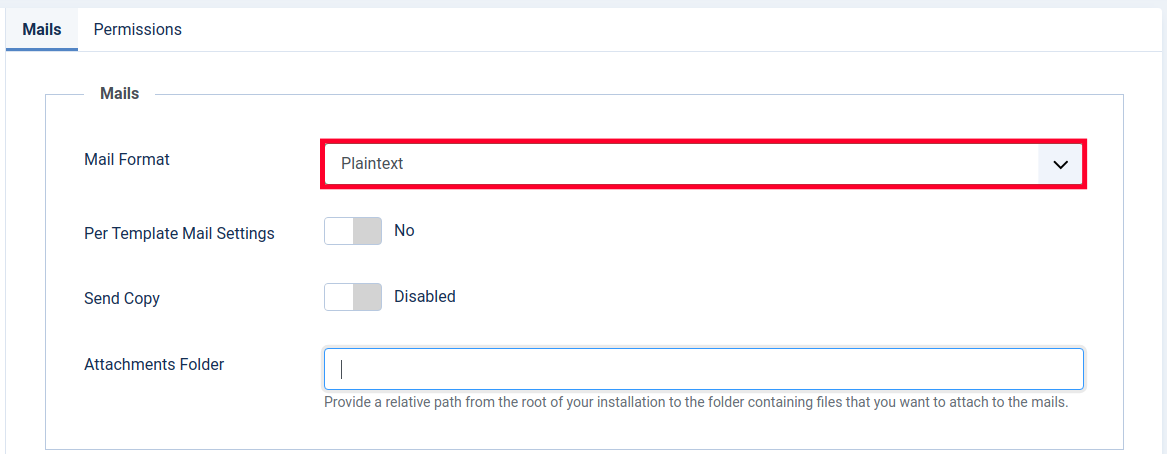
6. Click the **HTML** option.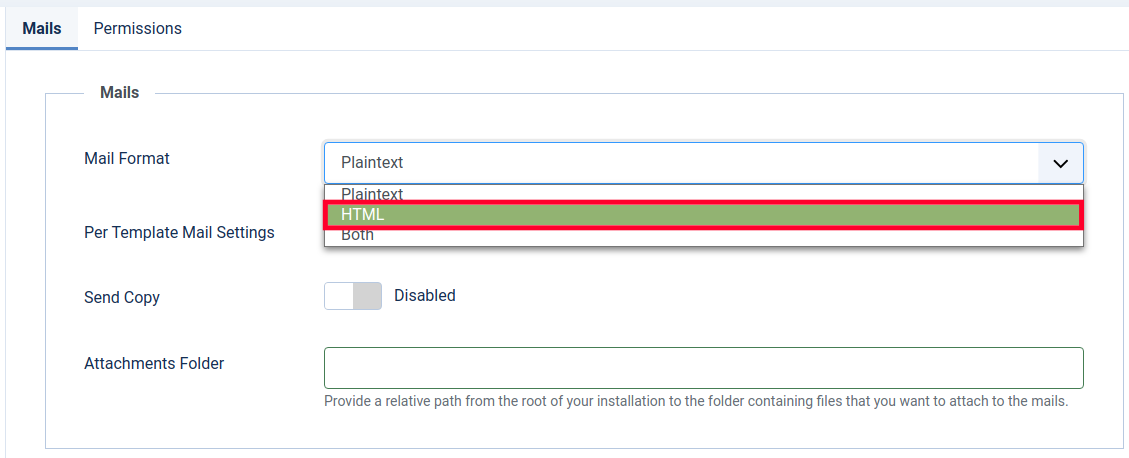
7. Click the **Save & Close** button.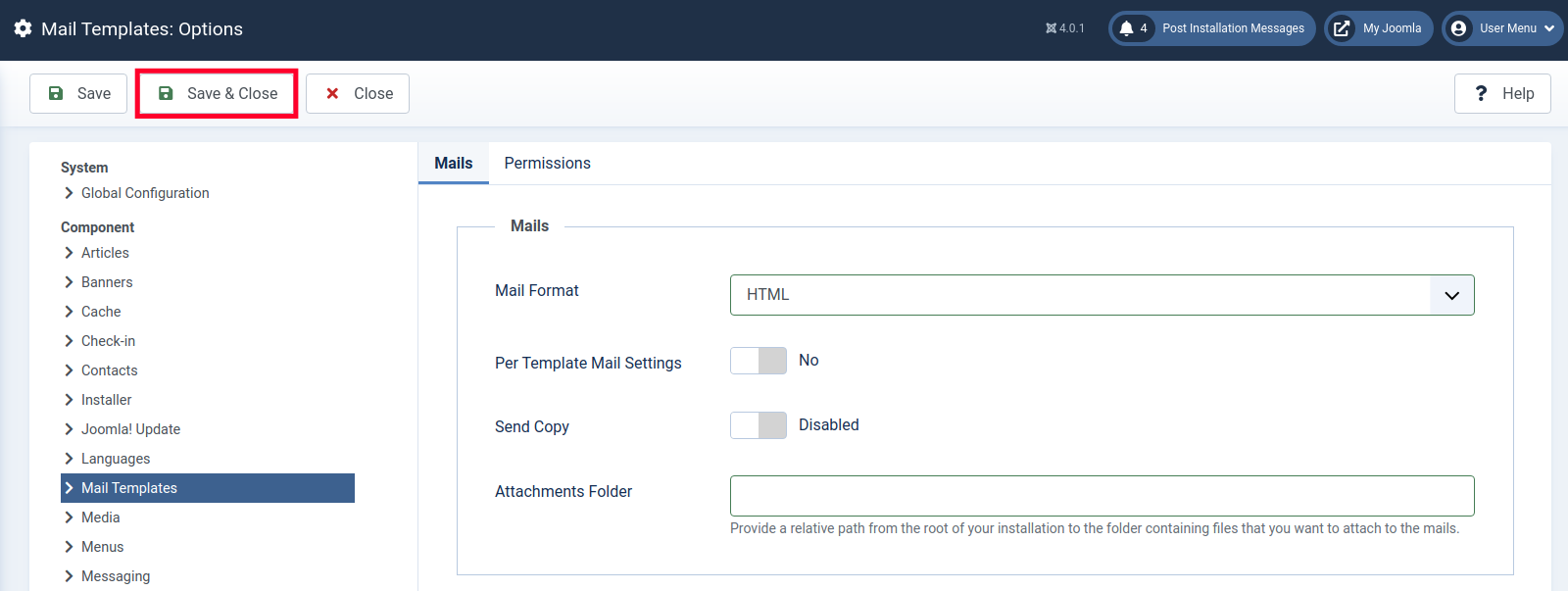You are finished when you see a “Configuration Saved” message.
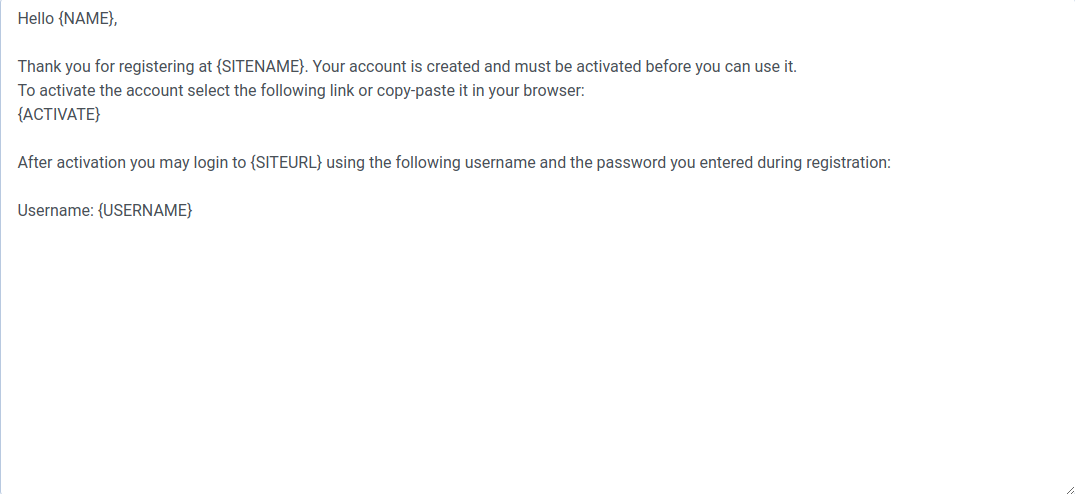
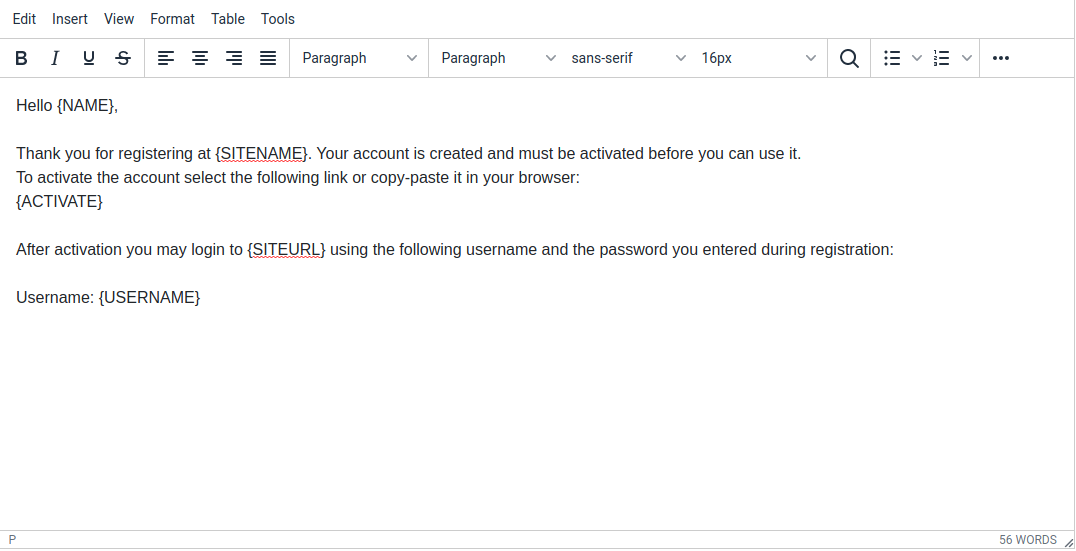
8. Now when you edit Mail templates in Joomla 4, you will be able to use the new HTML editor that includes a toolbar..
Before:
After:
Now that you know how to enable the HTML Mail Templates in Joomla 4, you can begin building more advanced and compelling emails. Check out our Joomla 4 section for more guides to help you build a successful website.