Even if you’re jumping into your first WordPress website, you’re probably already aware that pages and posts are important elements in the creation of your website. They help you build out your vision, creating the canvas where your content will be displayed and viewed by the world.
But what is the difference between pages and posts in WordPress? Yes, pages and posts are both key components of a WordPress site. However, depending on the purpose of your website, you may not need both to achieve your goals.
Continue reading to learn more about:
Enjoy fast, secure hosting optimized for your WordPress site with our WordPress Hosting plans.
Posts
The basic function of posts can be thought of as digital entries. They are added to your blog and generally show in reverse chronological order, with the newest content showing first and older content filtering in underneath.
Posts are used for dynamic, time-sensitive content, like blog content, news updates, announcements, or other regularly added content you want to be available on your website. You can also use categories and tags to group and organize the content. Allowing your website visitors to easily navigate, find, and read the content they are interested in.
In addition, posts allow your audience to subscribe to your blog RSS feed — which will give them the ability to follow recently published content on your website. They can also comment on your blog posts (you can disable this feature), which will help build the engagement on your website. In relation, adding social sharing icons to your posts will also help website visitors easily share your content with their networks to boost your audience.
Concerning site layout, posts give you a lot of freedom in the way you display content on your site. You can add the most recent posts to your homepage and/or add the blog or blog category to your navigation menu so website visitors can access all posts within your blog or a specific category easily.
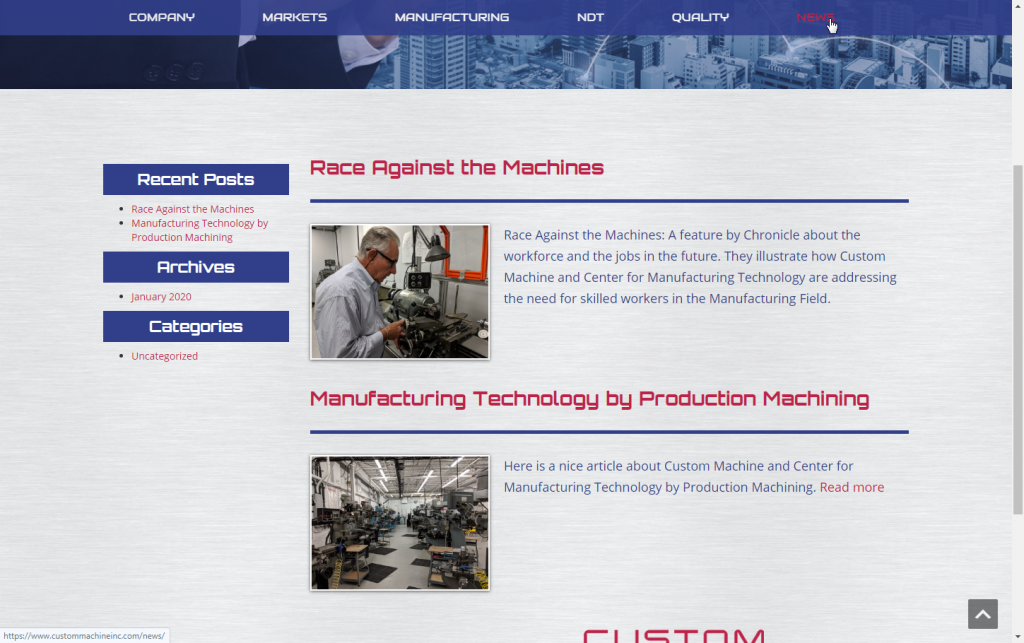
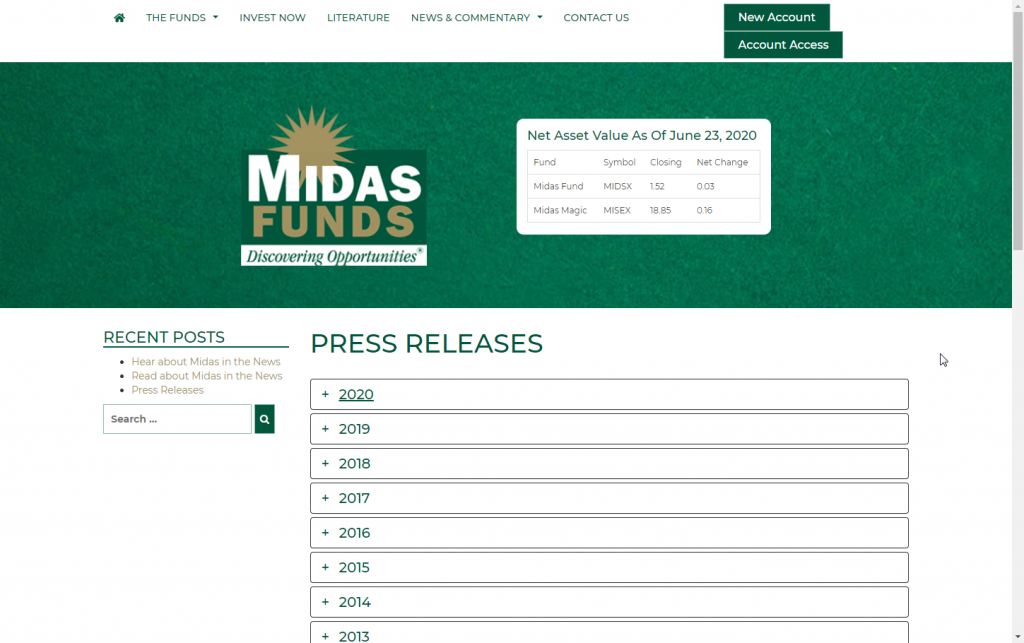
There are many ways to format posts on your WordPress site and because of this reason, some websites do not use posts solely for traditional blog purposes. The flexibility of posts has allowed WordPress users to use posts to organize job openings for a job board, chapters of a book or book club reviews, scientific research, press releases, PDF resources, and more.
Below are a few examples of how WordPress users have utilized the post feature. If you decide to use posts on your website, review our quick and easy guide on creating your first blog post.
All examples are from websites created by our Web Design team!
Pages
In a nutshell, pages are static. Pages are used for content that will not be updated on a regular basis. These are solely informational pages that generally do not allow comments or social sharing. Examples of pages include About, History, Privacy Policy, Shipping, and Contact Us.
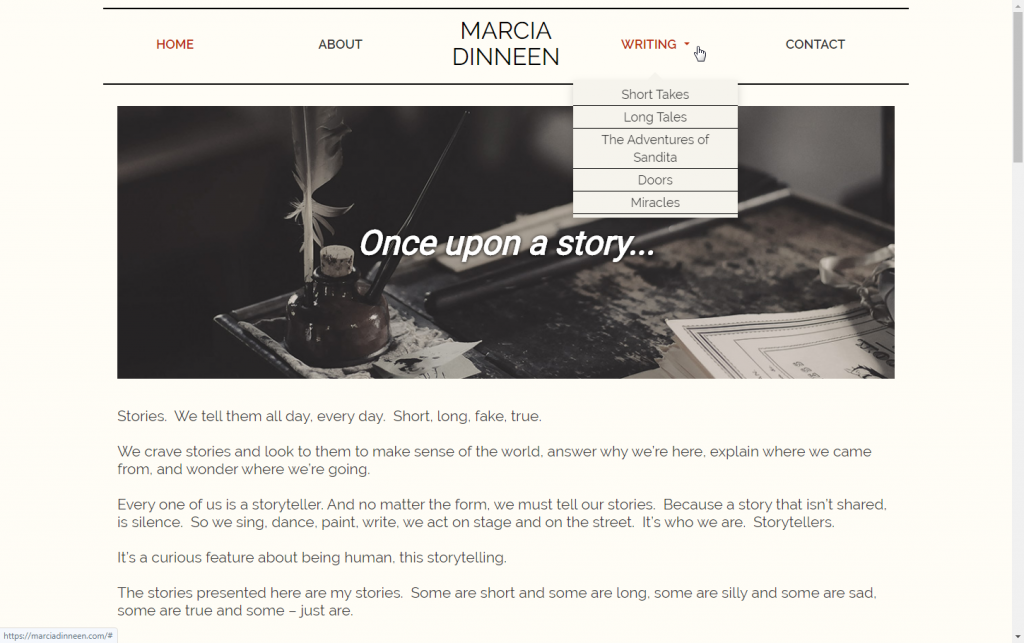
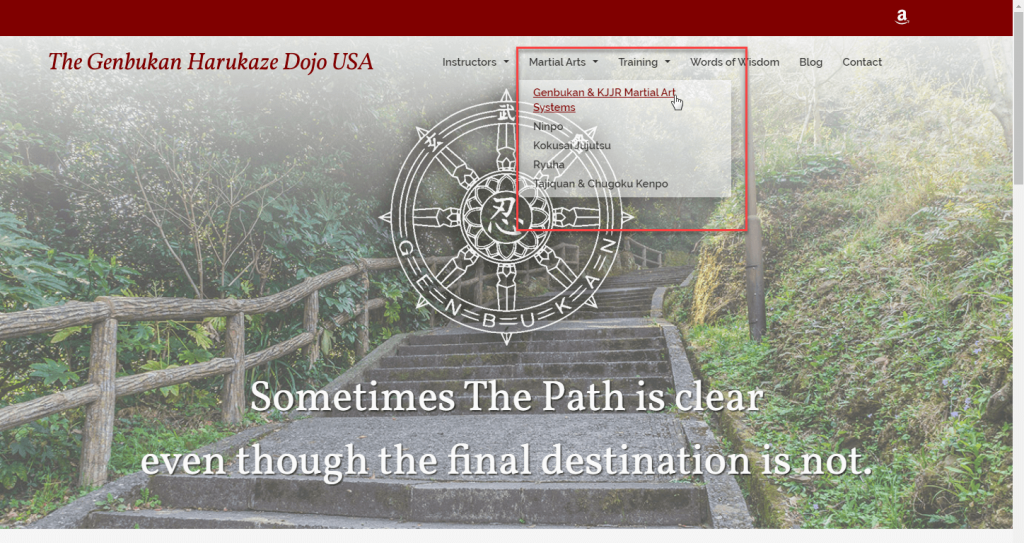
Though you create a page similar to how you create a post, pages are not tucked under the blog and must be added to the navigation menu to be accessible to your website visitors. You can, however, tuck relevant pages under a main menu item/page to create child pages or subpages in a dropdown menu.
For example, if you have services as a main menu item, you can create pages for landscaping and pool maintenance and tuck them under services. A live example would be our Support Center menu. Product Guide is the parent or main menu item and WordPress Hosting is a child page. There is a hierarchical structure that pages follow that posts do not.
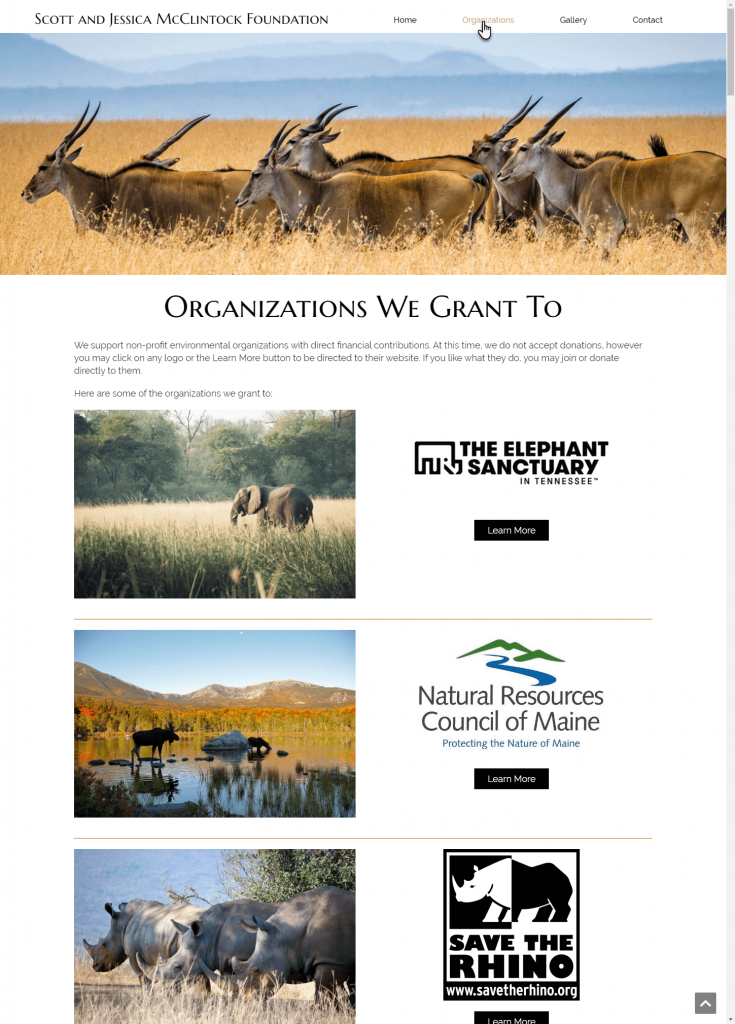
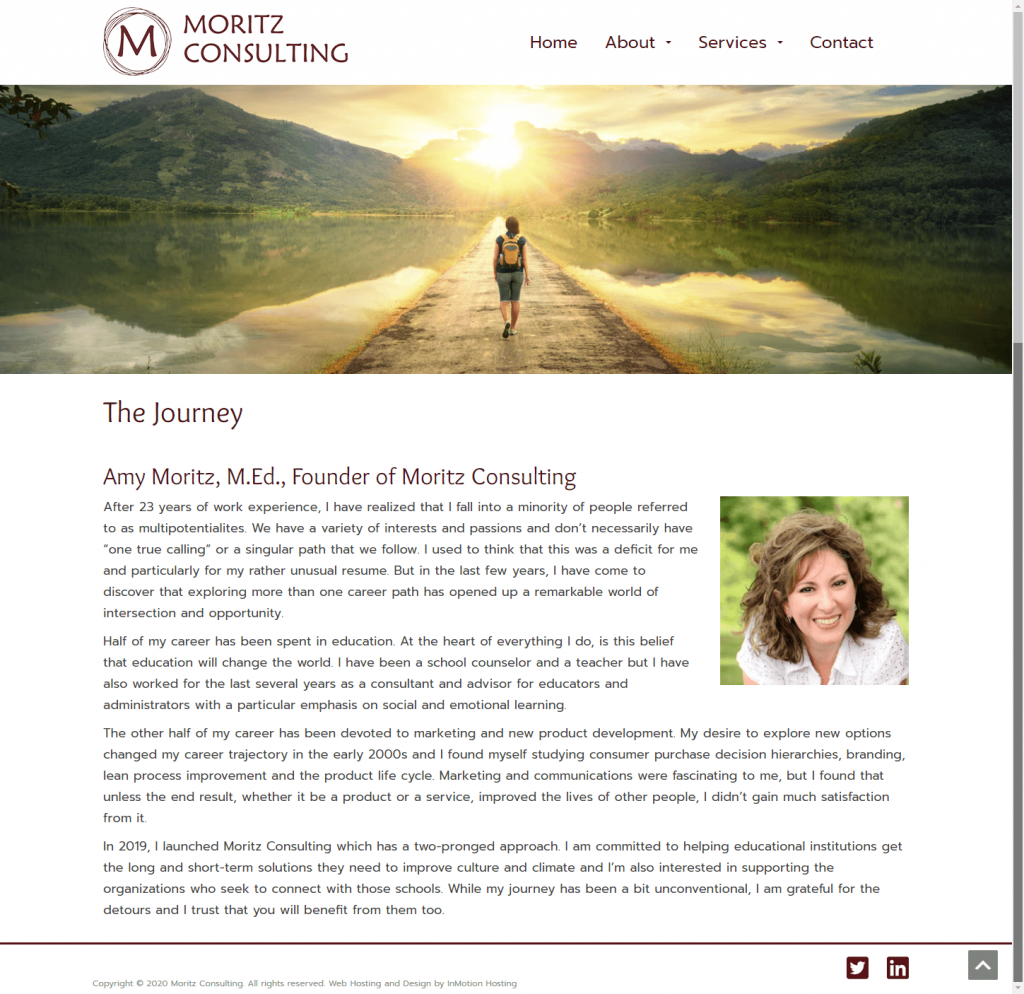
Here are a few examples of how users have utilized pages on WordPress.
All examples are from websites created by our Web Design team!
Learn more about WordPress by checking out our WordPress Education Channel!