The first step once you have installed Premium Web Builder is to decide what type of website you will be creating. This option can be made once you are logged in. You will notice the three different selection in the center of the screen. The three options offered by PWB are: website, blog, and photogallery.
By selecting the website type, the builder program will recommend several default types of pages commonly associated with the type of site you have chosen. Dont worry if you are not sure, you can make changes at any time in the design process.
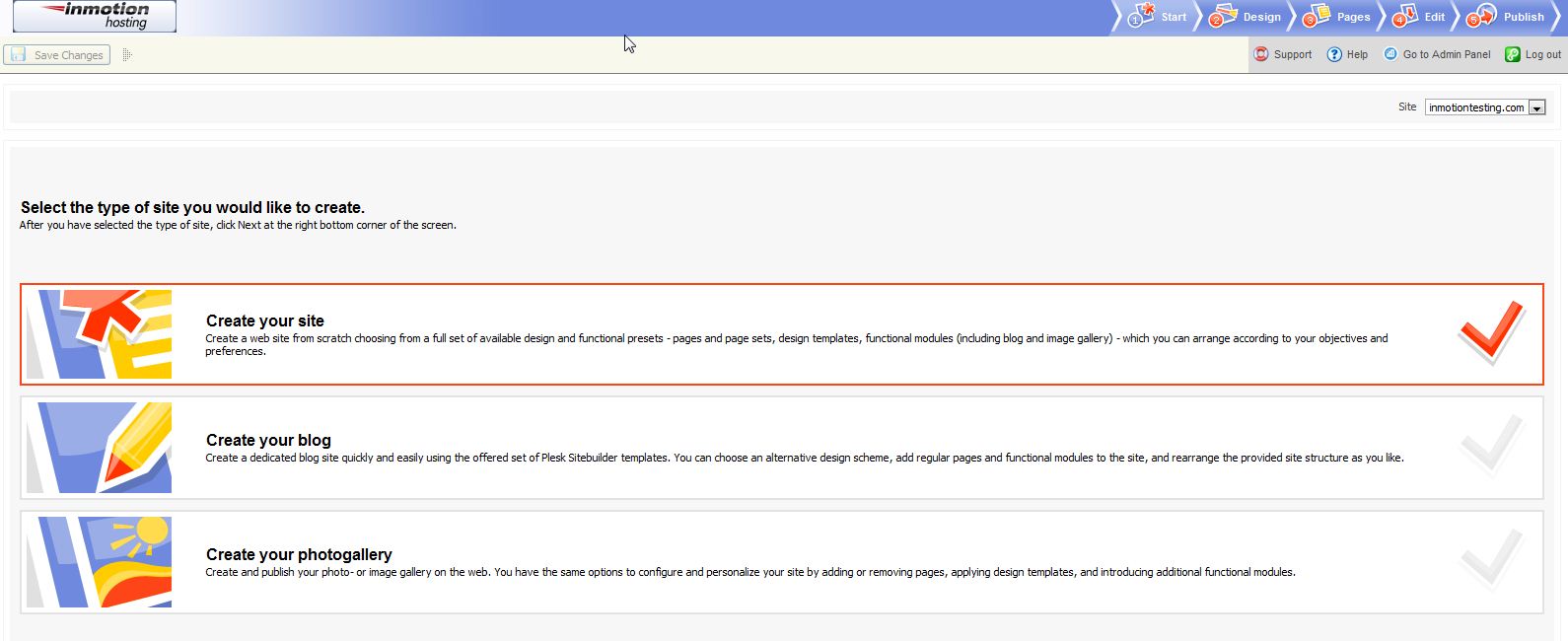
Let’s take a minute to discuss each of the three options available:
- Create your site: This option is if you plan on having a fully featured website that may contain normal pages as well as special pages such as image gallery, blog, eshop, etc.
- Create your blog: Select this option if you want to create a blog.
- Create your photogallery: The last option is for creating a photo gallery, if thats what you would like your website to be.
Once you have decided which type of site you would like, in the lower right corner of the browser, click the “next” button.
Please check the next article on Finding a Template for your Website. If you missed our previous article, please see the How to log into the Premium Website Builder tutorial. For more information on this course please visit Building a Website


