In addition to putting your Joomla 3.0 site in offline mode and configuring a custom message, you can toggle whether or not to show any offline message at all. In this Joomla 3.0 tutorial, we’ll cover the various options that you have when it comes to your offline message.
To change your Offline Message settings in Joomla 3.0:
- Log into your Joomla 3.0 admin dashboard
- In the left menu, click the Global Configuration link
- There are several tabs at the top of the page. Ensure you are on the Site tab by clicking Site.
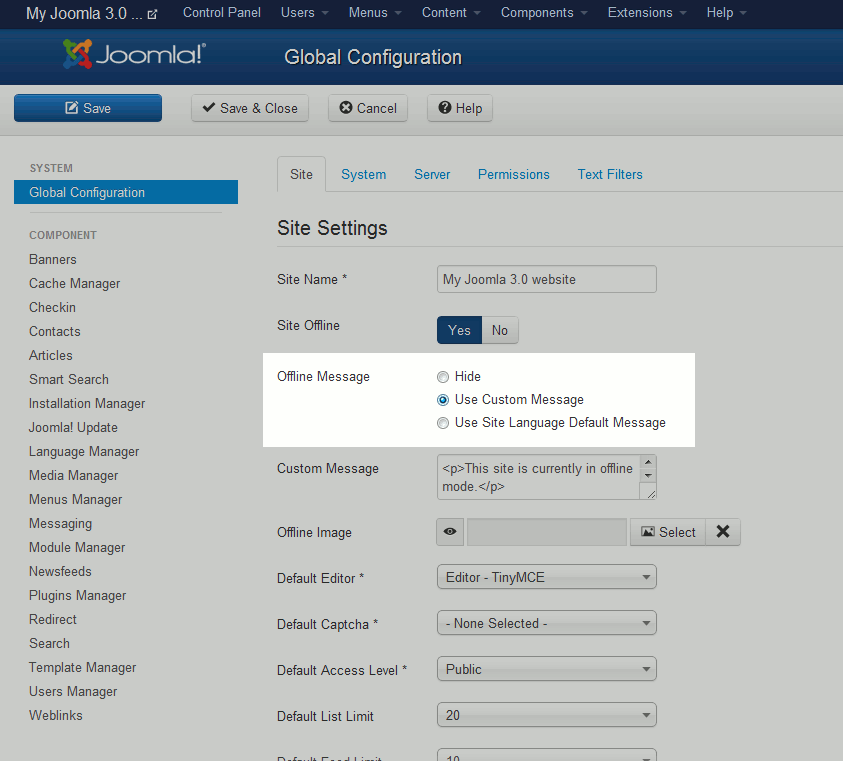
- Under the Site Settings heading, find the Offline Message setting. You can choose between the following options:
– Hide
– Use Custom Message
– Use Site Language Default MessageSelect the appropriate setting, and then click Save in the top left of the page. You can see below how each of these different options affect our offline page:
Offline Message: Hide When site to Hide, no offline message will be shown to visitors. Instead, they will only see the title of your website and the option to log in. 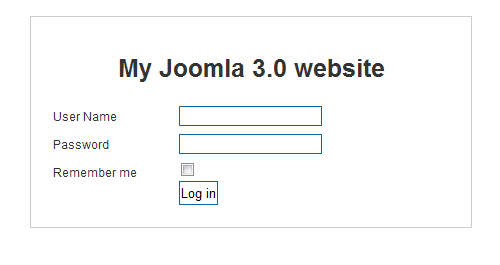
Offline Message: Use Custom Message In a previous article, we showed you how to add a custom offline message. When Use Custom Message is selected, that custom message is shown to users. In our example, the custom message was: This site is currently in offline mode.
We apologize for any inconvenience.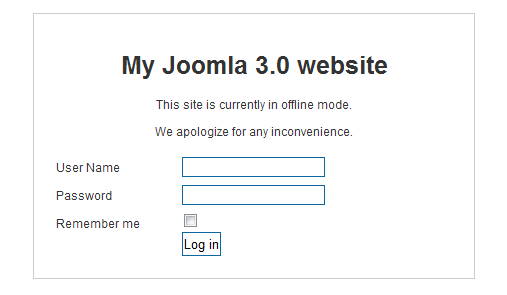
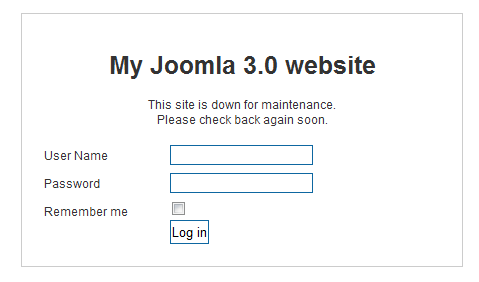
Offline Message: Use Site Language Default Message When choosing Use Site Language Default Message, the Joomla will load the offline message specified in your language files. For example, if you’re using English, the default installation of Joomla 3.0 includes the following: language/en-GB/en-GB.ini
JOFFLINE_MESSAGE=”This site is down for maintenance.<br /> Please check back again soon.”